June 3, 2026 • Jeremy Mironov • 4 min reading time
Simple CRM and Follow-Up Automation Ideas for Small Businesses
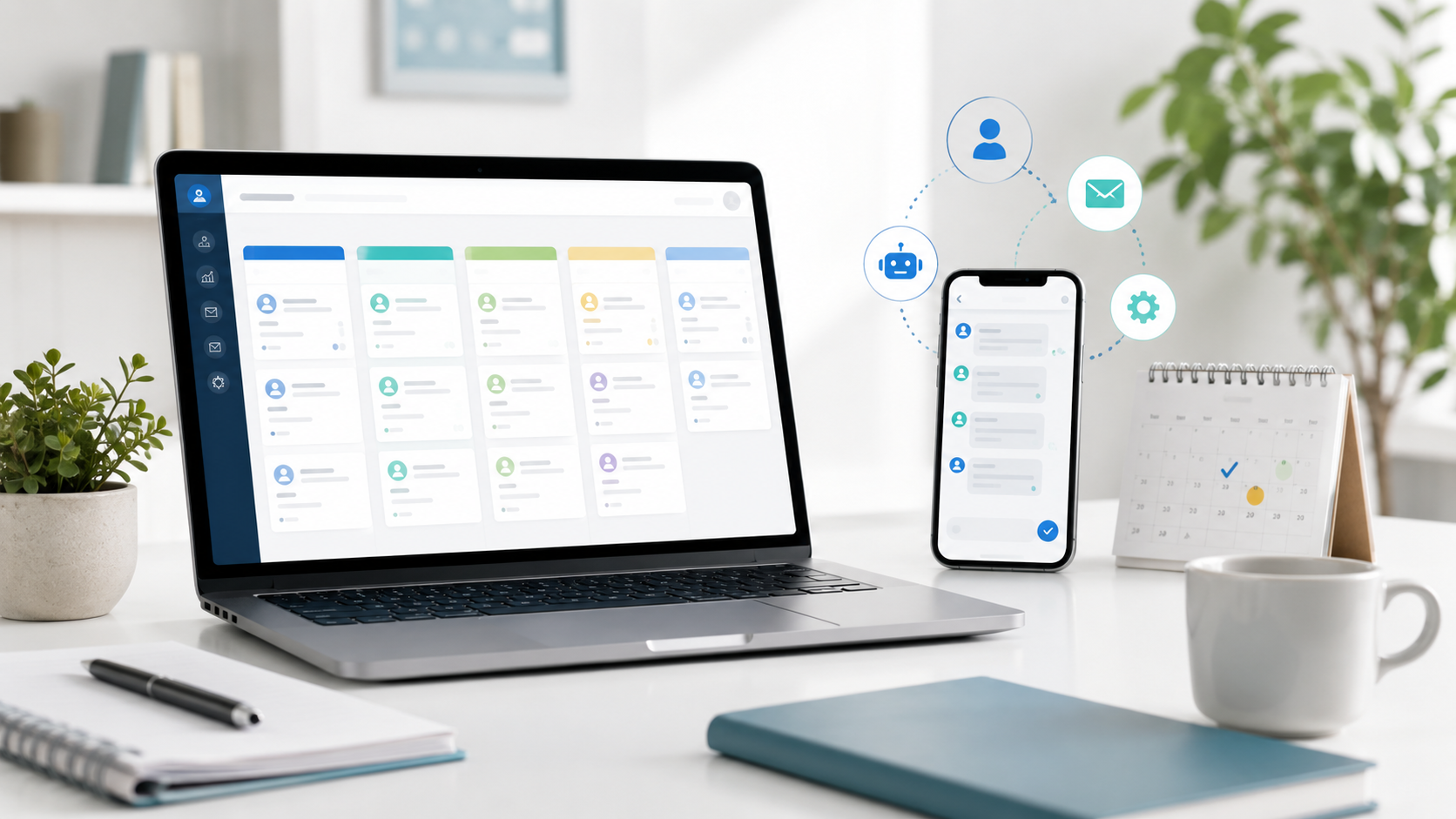
Simple CRM and Follow-Up Automation Ideas for Small Businesses
Most small service businesses lose more leads than they realize — not because their marketing is bad, but because there is no consistent system for following up.
A lead that comes in through your website form at 9pm on a Tuesday might get a call the next morning, or it might sit in an email inbox and get forgotten. Meanwhile, that potential customer already reached out to two other businesses.
This post covers practical, low-tech CRM and automation ideas that work for small service businesses.
Why Follow-Up Systems Matter
Research consistently shows that most sales require multiple contacts. A prospect who submits a quote request form has expressed strong interest — but they may also be getting quotes from three other businesses at the same time.
Businesses with a consistent follow-up system close more of those leads. Businesses without one close fewer.
The goal is not to be pushy. The goal is to respond promptly, follow up when you say you will, and not let interested customers fall through the cracks.
Start Simple: The Immediate Notification
The first step is making sure you know about new leads immediately, not hours later.
This can be as simple as:
- An email notification that goes to you (and your office manager) every time someone submits your contact form
- A text message alert for high-priority inquiries
- A Slack or app notification if your team uses communication tools
Tools like Zapier can connect your website form to almost any notification system, even if your website form does not natively support it.
Google Sheets as a Simple CRM
For many small businesses, a well-structured Google Sheets spreadsheet is all they need to track leads. It is free, everyone knows how to use it, and it can be accessed from any device.
A basic lead tracking sheet might include:
- Date the lead came in
- Customer name and contact info
- Service they are interested in
- Source (website, Google Ads, referral, etc.)
- Status (new, contacted, quoted, won, lost)
- Next follow-up date
- Notes
The key is actually using it consistently. Reviewing open leads every morning takes five minutes and can meaningfully improve how many quotes turn into jobs.
Automated Follow-Up Sequences
For businesses ready to go a step further, a simple automated email or text sequence can help:
Immediate response email: When someone submits a form, an automated email goes out within minutes confirming you received their request and will be in touch soon. This reduces anxiety on the prospect’s side and sets expectations.
Follow-up reminder: If a lead has not been marked as contacted after 24 hours, an automated reminder goes to the business owner or office.
Quote follow-up: If a quote has been sent but not responded to after 3–5 days, a reminder or automated message can check in.
These sequences do not need to be complex. Two or three touchpoints are enough to make a meaningful difference.
When to Consider a Real CRM
Google Sheets works well up to a certain volume. When you have multiple team members, more than 20–30 new leads per month, or a multi-step sales process, a dedicated CRM starts to make more sense.
Simple CRM options that work for small service businesses include:
- Go High Level (popular with service businesses, has built-in automation)
- HubSpot CRM (free tier available, good if you already use other HubSpot tools)
- Pipedrive (clean interface, good for tracking deals through a pipeline)
The right tool depends on your team size, technical comfort, and budget. The most important thing is that the system is simple enough that your team actually uses it.
Connecting Your Website Forms
Whatever system you use, it should receive leads automatically from your website forms. Manual data entry — copying from an email into a spreadsheet — is time-consuming and error-prone.
With a tool like Zapier, you can connect your website form to:
- Google Sheets (new row added automatically)
- Your CRM (new contact or deal created)
- Email notifications
- SMS notifications
- Slack or other team communication tools
The setup is usually straightforward and does not require a developer for most platforms.
The Realistic Goal
The goal of a lead follow-up system is not sophistication — it is consistency. A business that follows up on every lead within an hour and checks back in after a few days will close more work than one that responds inconsistently, regardless of how good their ads or SEO are.
Start with the simplest system you will actually use. A Google Sheets tracker and email notifications get you most of the way there.
If you want help building a simple lead capture and follow-up system for your service business, book a free consultation.